
Find a Ride
Browse public rides near you, near a place you search, or anywhere in a state, on a map or in a list.
Looking for people to ride with? The Find tab shows public rides near you or anywhere in a state. Private rides never show here. You need an invite link or code for those. See Join a Ride.
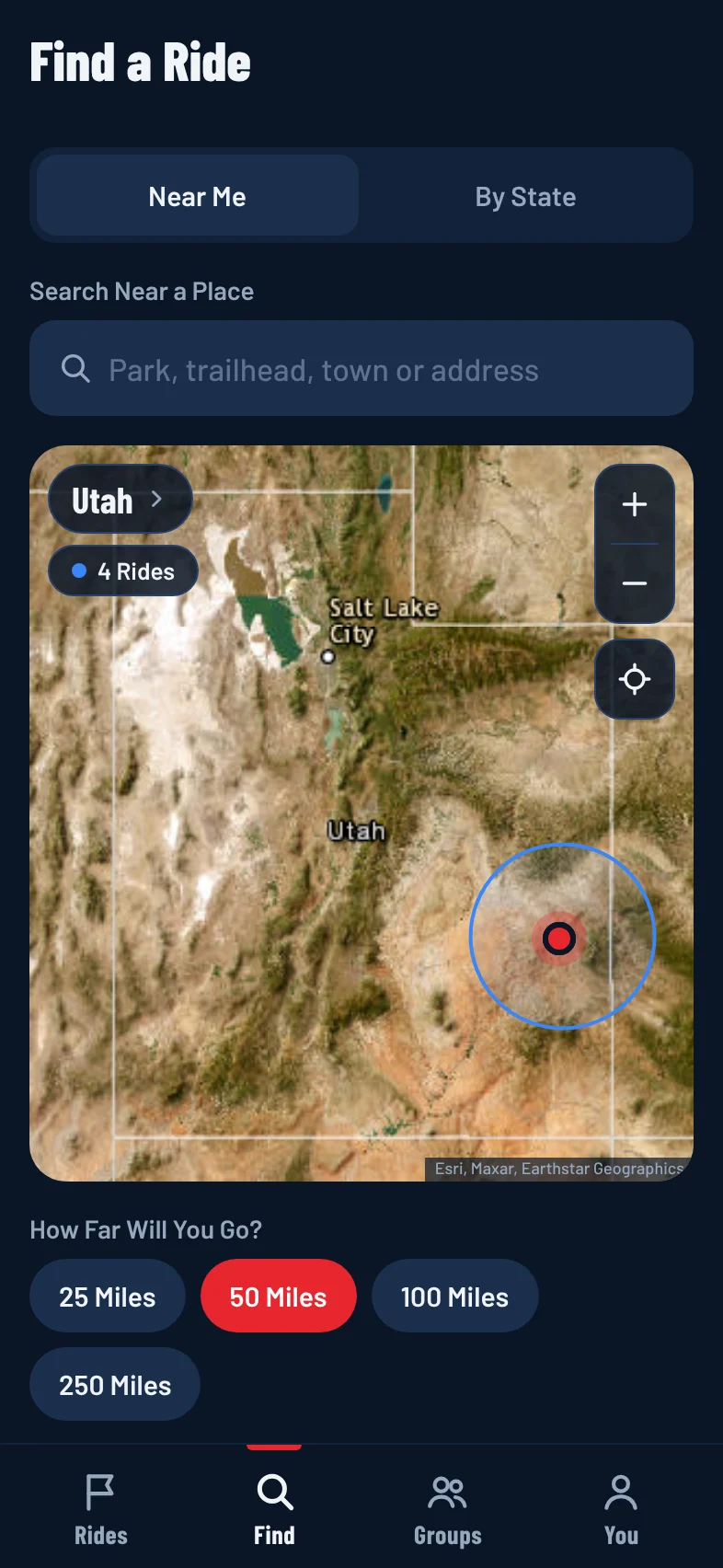
Find Rides Near You
- Tap the Find tab (or Find a Ride on the Rides tab).
- Make sure Near Me is selected at the top.
- Allow location if asked. If location is off, tap Use My Location, or pick your state instead.
- Under How Far Will You Go?, pick 25 Miles, 50 Miles, 100 Miles or 250 Miles.
Rides show on the map and in a list under it, nearest first, with how far away each one is.
Find Rides Near a Place
Planning a trip somewhere else? Search a park, trailhead or town.
- On the Find tab, tap Search Near a Place.
- Type the place and pick it from the results.
The list shows Rides Near that place. Tap Back to Near Me to go back to rides around you.
Find Rides in a State
- On the Find tab, tap By State.
- Pick a state.
Rides in that state show soonest first. To switch states, tap the state's name in the corner of the map.
Use the Map
- Each dot is a ride. Blue dots are upcoming rides. Red, glowing dots are live now.
- Tap a dot to see the ride's name, time and distance, then tap Open Ride.
- Move or zoom the map, then tap Search This Area to see rides there. To return, tap the button under the map that starts with Back to, such as Back to Rides Near Me.
- Use the + and - buttons to zoom, and the location button to recenter the map.
- On a wide screen, such as the website on a computer, the search and the list of rides sit on the left and the map fills the rest of the screen.
What You'll See
Find shows public rides that are coming up or live right now. Each ride in the list shows its date, time, general area, difficulty, distance and the vehicles welcome. Tap a ride to open its page and join. See Join a Ride.
If there are no rides yet, tap Create a Public Ride to start one. See Create a Ride.